Get Tracking Updates

Enter your email and tracking number to receive automatic notifications when your package status changes

We'll send you updates via email when your package status changes.
No spam, just tracking updates.

Black background with blue handwritten text that reads, "Save time... Track every order automatically" with an arrow pointing downward.

Want to track every order automatically?

Sign up for free to let Orderly:

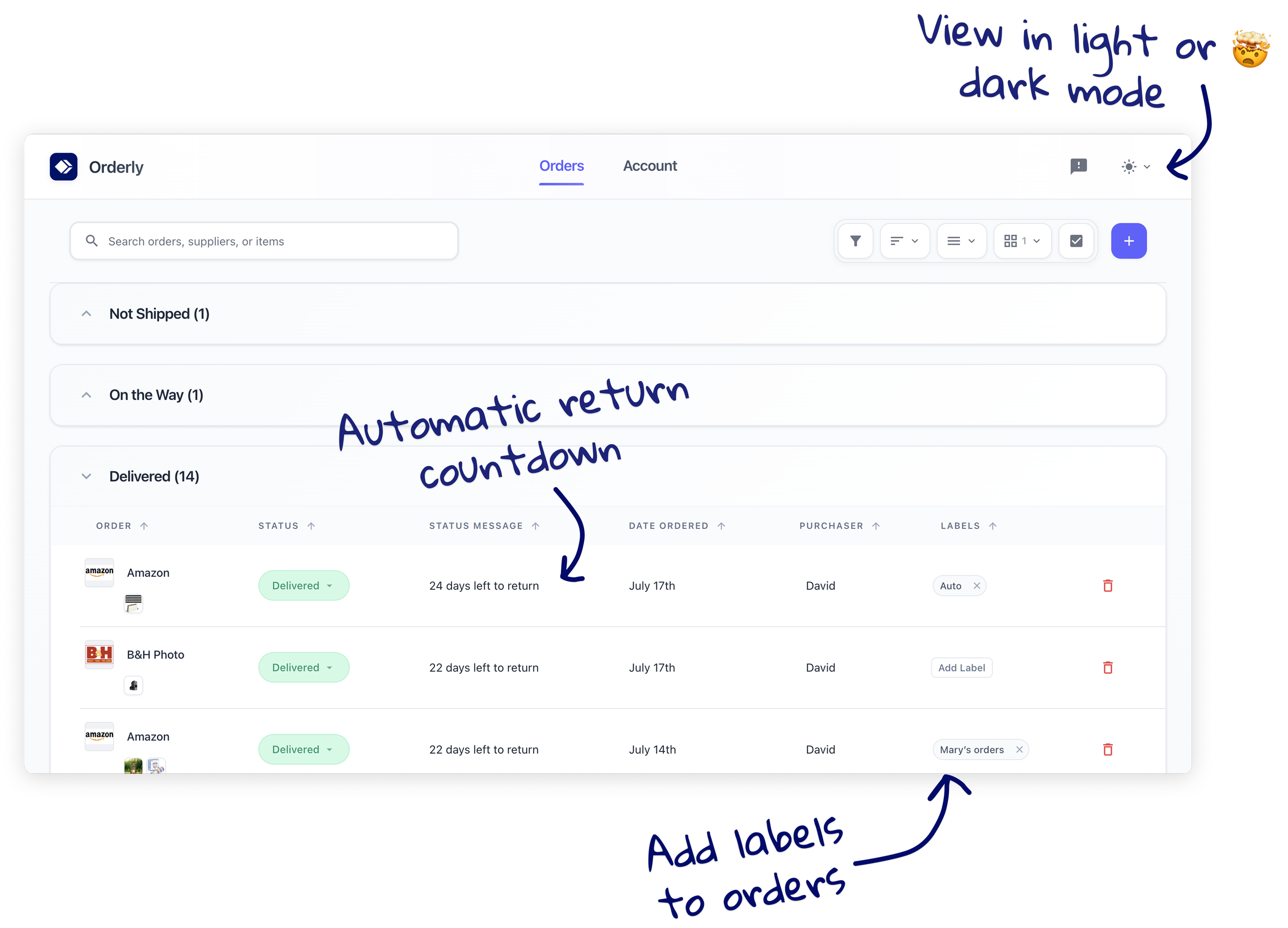
  • Organize every order by status

  • Give you real-time delivery updates

  • Remind you about return deadlines

Sign Up
Screenshot of an order management dashboard with a dark mode theme. The top right corner shows a toggle for light and dark mode, with handwritten notes indicating 'View in light or dark mode' and 'Automatic return countdown' pointing to the relevant areas. The dashboard includes columns for order details like status, messages, date ordered, purchaser, and label management, with specific orders listed as delivered and a handwritten note about auto return countdown. Handwritten instructions for adding labels to orders are also visible.